Quickstart
Sign in, ask your first question, and see how Nalar found the answer.
You have a Nalar account and you're opening Nalar for the first time. This guide takes a few minutes and ends with a real answer from your company's data.
No account yet? Nalar has no self sign-up. Your workspace admin arranges your account, and Signing in to Nalar covers what happens next.
Sign in
Go to app.nalarx.com and sign in with your email and password, or with Google. Nalar opens on Chat.
Look around Chat
The greeting names your workspace and how many Agents are ready for you. That number counts only the Agents you can use, so a colleague may see a different one.
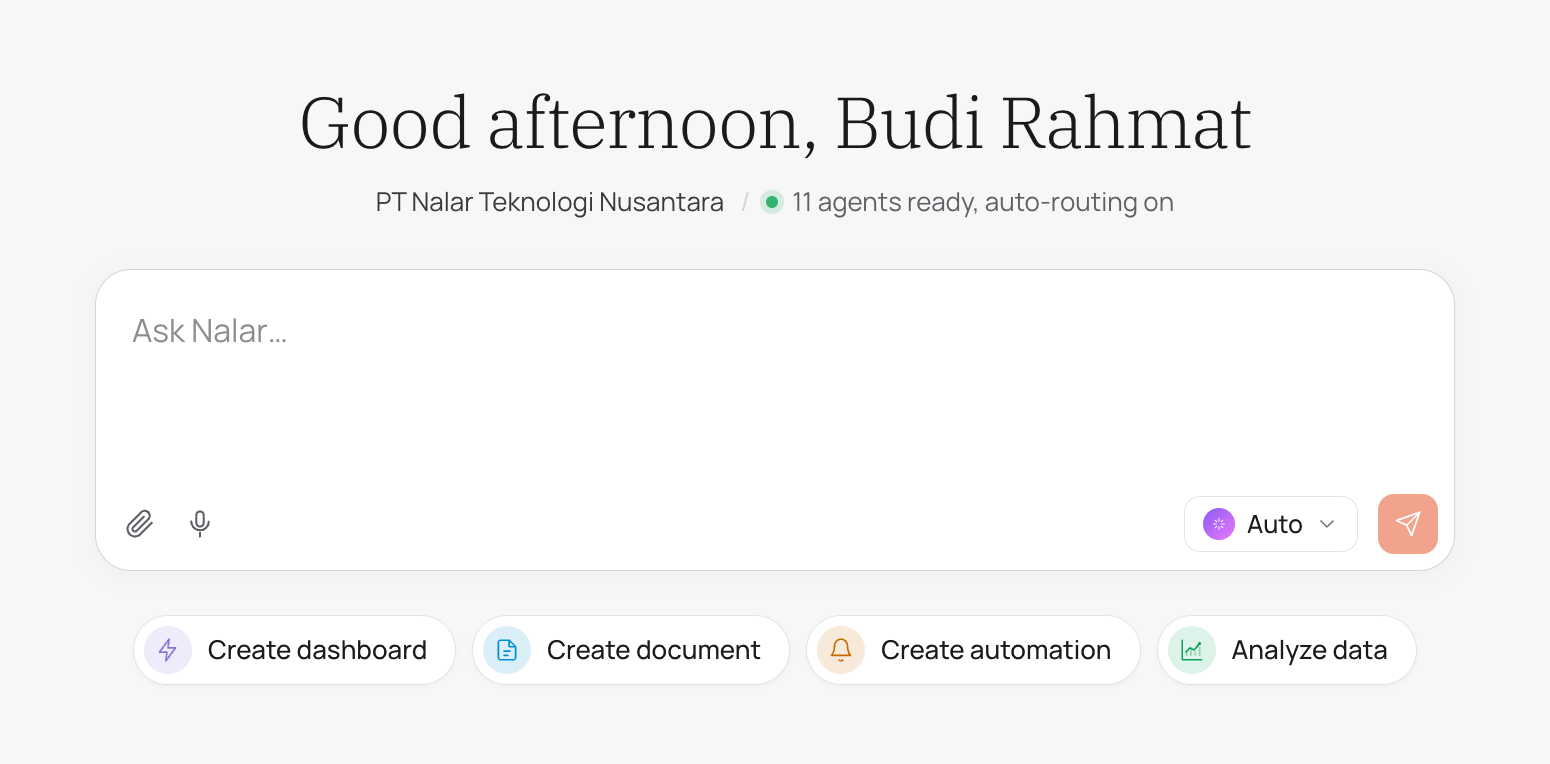
Below the message box are four starting actions: Create dashboard, Create document, Create automation, and Analyze data. You don't need them yet. Typing a question works just as well.
Choose who answers
The selector next to the send button starts on Auto. With Auto, the Master Agent reads your question and passes it to the Agent that fits best.
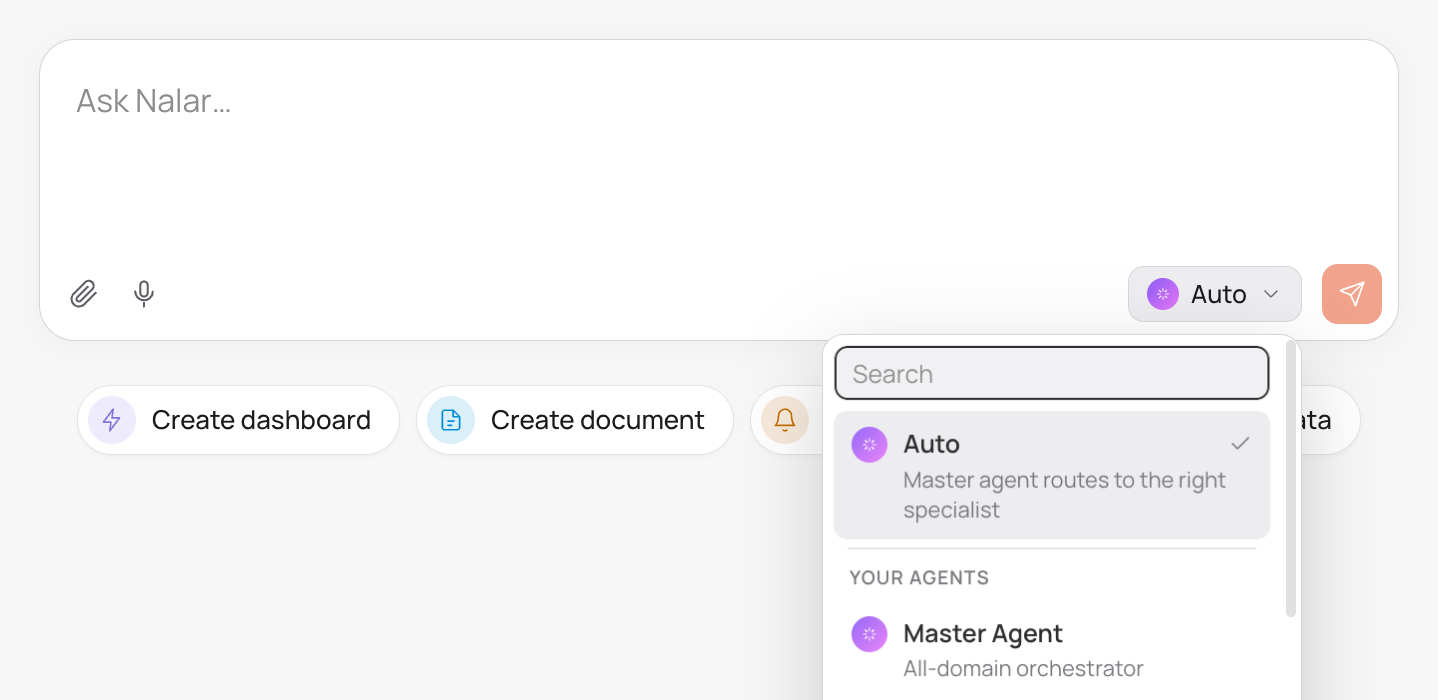
You can also pick an Agent yourself. Your choice stays for the rest of the conversation until you switch back to Auto or pick another one. For a first question, leave it on Auto.
Ask something real
The best first question is one you would ask a colleague, with the time period spelled out:
What was our revenue last month, compared with the month before?Press Enter or the send button. The answer appears as Nalar works on it. If it heads in the wrong direction, select Stop, edit your question, and send it again.
Dates follow the Jakarta calendar, and weeks start on Monday. "Last month" means the full previous calendar month.
See how Nalar got there
Above the answer, Nalar shows which Agent answered. Expand the activity summary to see the steps it actually took, and check the sources to see where the figures came from.
If Nalar couldn't find the data, or your access doesn't cover it, it says so instead of guessing.
Keep going
Ask a follow-up in the same conversation. Nalar keeps what was already said, so you don't have to repeat yourself:
Which customers contributed most to the change?Under each answer you can copy it, rate it, or regenerate it, with an optional note on what should change.
Where to go next
Ask about your business data
How to phrase questions so the answer is the one you need.
Agents and your access
Why two people can get different answers to the same question.
Your first dashboard
Keep the numbers you just asked about on a live page.
What is Nalar?
A plain-language map of every part of the product.