Workspace sign-in policy
What SSO & Auth shows Workspace Owners and Admins, and what isn't available yet.
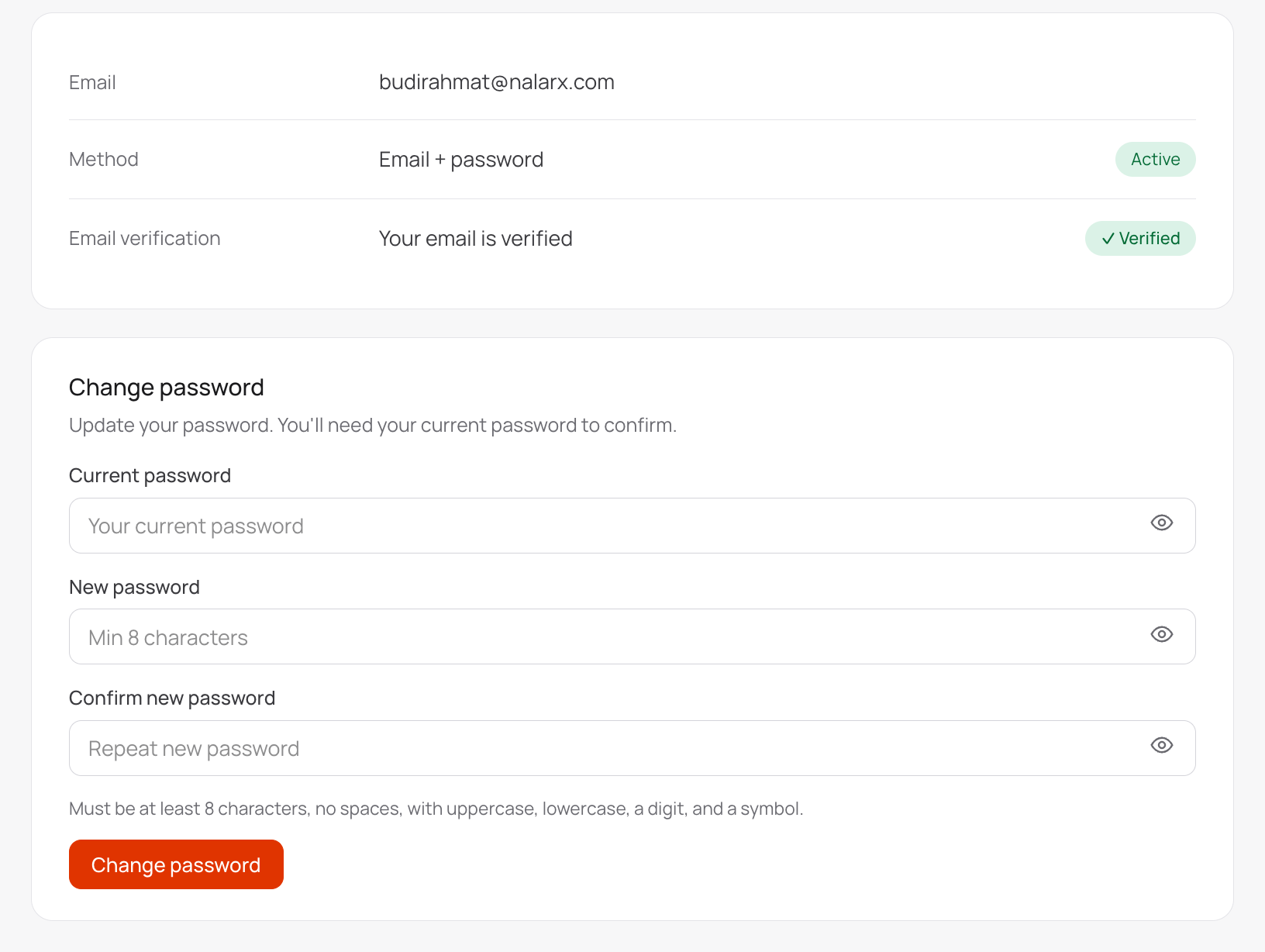
SSO & Auth in Settings is available to Workspace Owners and Admins. It shows how you sign in to Nalar and lets you manage your own password.
What it shows
- Your sign-in method, such as email and password, or Google.
- Email verification, shown as verified or not verified.
- Change password, or Set password if you've only signed in with Google so far.
Everything on this page is about your own account. It doesn't change how anyone else signs in.
Change your password
Enter your current password, then the new password twice. A new password needs at least 8 characters, with an uppercase letter, a lowercase letter, a number, and a symbol, and no spaces. If you don't have a password yet, you only enter the new one.
Changing your password doesn't change your role or access.
Not available yet
Workspace-wide sign-in rules aren't available in Nalar today. That includes single sign-on through your company's identity provider, multi-factor authentication, allowed email domains, and session controls. Members sign in with email and password, or with Google.