What is Nalar?
A plain-language map of Nalar: what each part does and who it is for.
Nalar is an AI workspace for your company. You ask a question in plain language, and Nalar answers from your company's data and documents, and from public information on the web when that helps. An answer you need again can become a dashboard you check every week, or an Automation that sends it to you on a schedule.
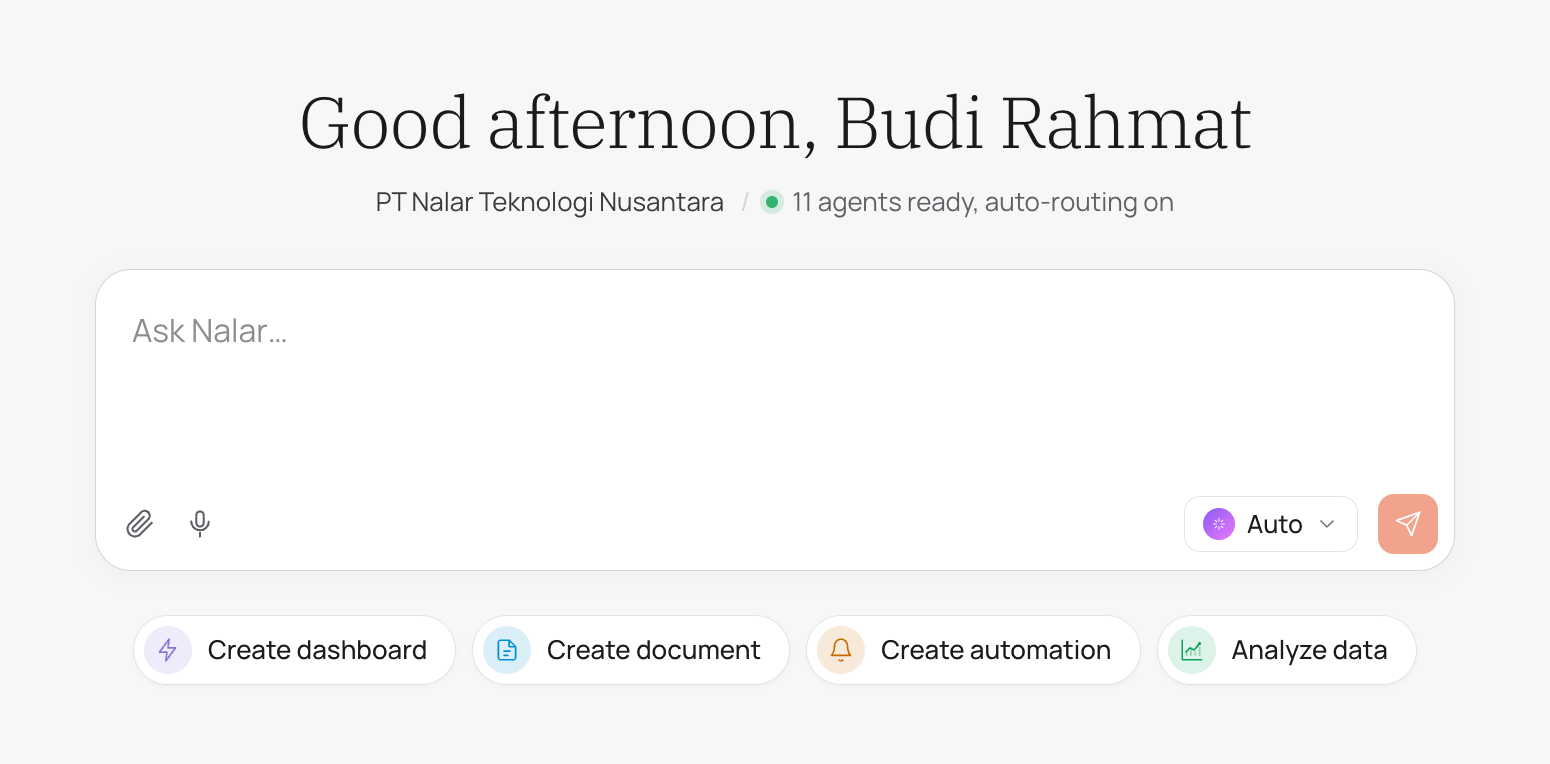
How Nalar answers
Every answer comes from an Agent: an AI assistant for one part of your business, with its own data, documents, and capabilities. Agents are arranged the way your company is.
| Agent | What it covers |
|---|---|
| Master Agent | The whole workspace. It sends your question to the right Agents. |
| Department Agent | One department, such as Finance or Sales. |
| Sub-agent | A narrower area inside a department. |
What Nalar can show you depends on your role. The Master Agent can route a question across departments, but it never reaches data your role doesn't already have access to.
| Role | Agents you can use |
|---|---|
| Workspace Owner, Workspace Admin | Every Agent in the workspace |
| Department Head | The Department Agents they lead, and their Sub-agents |
| Staff | The Sub-agents granted to them |
Agents and your access explains this in more detail.
The parts of Nalar
Each part has its own entry in the app's sidebar.
Chat
Where you ask questions. Pick an Agent or let Auto choose one. Each answer shows the steps Nalar took and the sources it used, and you can turn an answer into a document, a table, or a file to share.
Agents
The Agents you can use, what data each one can read, and what it can do. You can also give an Agent documents to work with.
Dashboards
A page of live metrics built from a business question. Share it with teammates, ask questions about it, and set an alert for when a metric changes.
Automations
Messages that run on their own: a recurring summary, a one-time reminder, or an alert on a dashboard metric. Describe what you want in plain language, review the draft, and create it. Automations are delivered to the person who made them.
Ask Nalar from WhatsApp, in a direct message or by tagging it in a group. Text, voice notes, images, and documents all work. WhatsApp conversations are kept separate from Chat on the web.
Settings
Organization settings are for Workspace Owners and Admins: members, data, and how the workspace is set up. Account settings are for everyone: your profile, sign-in, appearance, and language.
Who sets up your workspace
The Nalar team prepares each workspace together with your company before anyone signs in: company context, members, Agents, and the data sources each Agent can read. You don't create a workspace yourself.
When something needs to change, such as a new data source for an Agent or access for a new teammate, your workspace admin asks the Nalar team to make it.